

OFFICIAL YOUTUBE CREATOR PROFILE
Dr. Todd Grande
@drgrande · 1.7M YouTube subscribers
Sign in to Follow
0 following on Crimefien
Visit on YouTube ↗
Dr. Grande's YouTube Channel covers topics related to counselor education and supervision including but not limited to mental health, human behavior, relationship dynamics, psychopathology, personality theory, true crime, pop culture, research, statistics, SPSS, Excel, appraisal, and group counseling. Dr. Grande has a Ph.D. in Counselor Education and Supervision. He is a Licensed Professional Counselor of Mental Health (LPCMH) and a Licensed Chemical Dependency Professional (LCDP). Disclaimer: The channel is for informational purposes only. Nothing on this channel is intended to substitute for the treatment provided by a mental health prof…
FRESH FROM THE CREATORS
Configuring Data for Analysis in Excel
 ▶
Static and Dynamic Named Ranges in Microsoft ExcelDr. Todd Grande · Sep 3, 2016
 ▶
Using the Replace and Find Functions in Excel to Modify StringsDr. Todd Grande · Mar 27, 2016
 ▶
Using the Substitute Function in Excel to Modify StringsDr. Todd Grande · Mar 24, 2016
 ▶
Excel Data Validation to Facilitate Correct Entry of Research DataDr. Todd Grande · Mar 20, 2016
 ▶
Conditional Formatting with Icon Sets to Indicate Score Differences in ExcelDr. Todd Grande · Mar 19, 2016
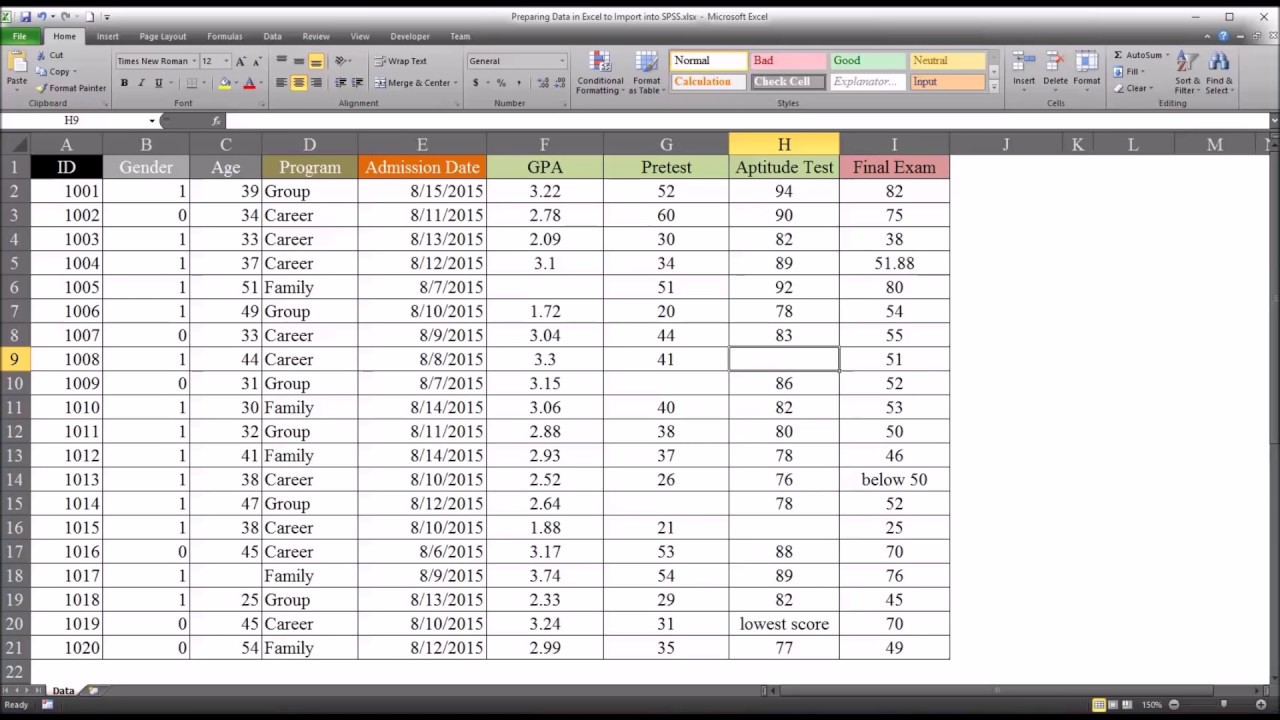 ▶
Preparing Data in Excel to Import into SPSSDr. Todd Grande · Aug 20, 2015
 ▶
General Keyboard Shortcuts in ExcelDr. Todd Grande · Aug 16, 2015
 ▶
Cut, Copy, and Paste Keyboard Shortcuts in ExcelDr. Todd Grande · Aug 16, 2015
 ▶
Navigation and Selection Keyboard Shortcuts in ExcelDr. Todd Grande · Aug 16, 2015
 ▶
Data Entry Keyboard Shortcuts in ExcelDr. Todd Grande · Aug 16, 2015
 ▶
Keyboard Shortcuts for Formatting in ExcelDr. Todd Grande · Aug 16, 2015
 ▶
Hide and Unhide Columns with an Excel VBA UserFormDr. Todd Grande · Aug 9, 2015
 ▶
Check Cells for Non-Numeric Values with VBA IsNumeric FunctionDr. Todd Grande · Aug 8, 2015
 ▶
Fomat Cell Based on Value of Another Cell in ExcelDr. Todd Grande · Aug 6, 2015
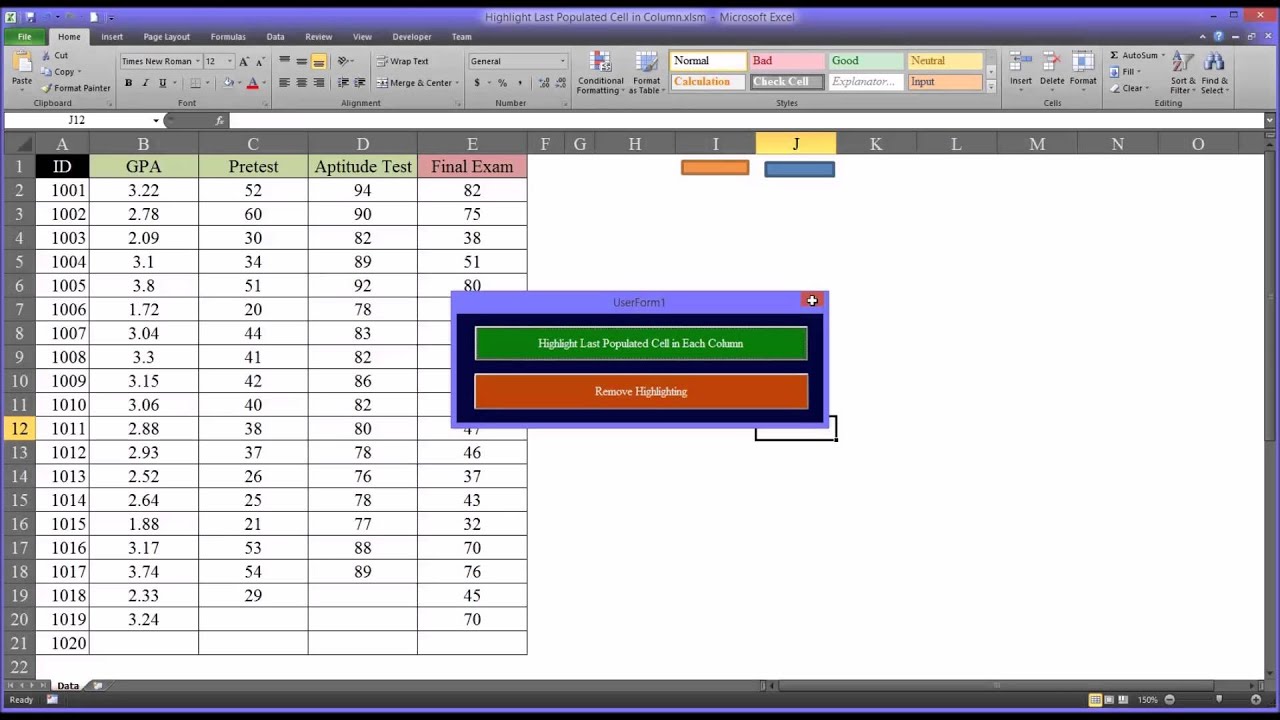 ▶
Highlight Last Populated Cell in Each Column using Excel VBADr. Todd Grande · Aug 4, 2015
 ▶
Highlighting Cells with Missing Values in ExcelDr. Todd Grande · Jul 19, 2015
 ▶
Creating a Participant ID Variable in ExcelDr. Todd Grande · Jun 22, 2015
 ▶
The COUNT, COUNTA, COUNTBLANK, COUNTIF, and COUNTIFS Functions in ExcelDr. Todd Grande · May 31, 2015
 ▶
The SUMIF, SUMIFS, AVERAGEIF, and AVERAGEIFS Functions in ExcelDr. Todd Grande · May 30, 2015
 ▶
Recoding Variables in ExcelDr. Todd Grande · May 7, 2015
 ▶
Dynamic Named Ranges in ExcelDr. Todd Grande · Apr 12, 2015
 ▶
Indirect and Address Functions in ExcelDr. Todd Grande · Apr 11, 2015
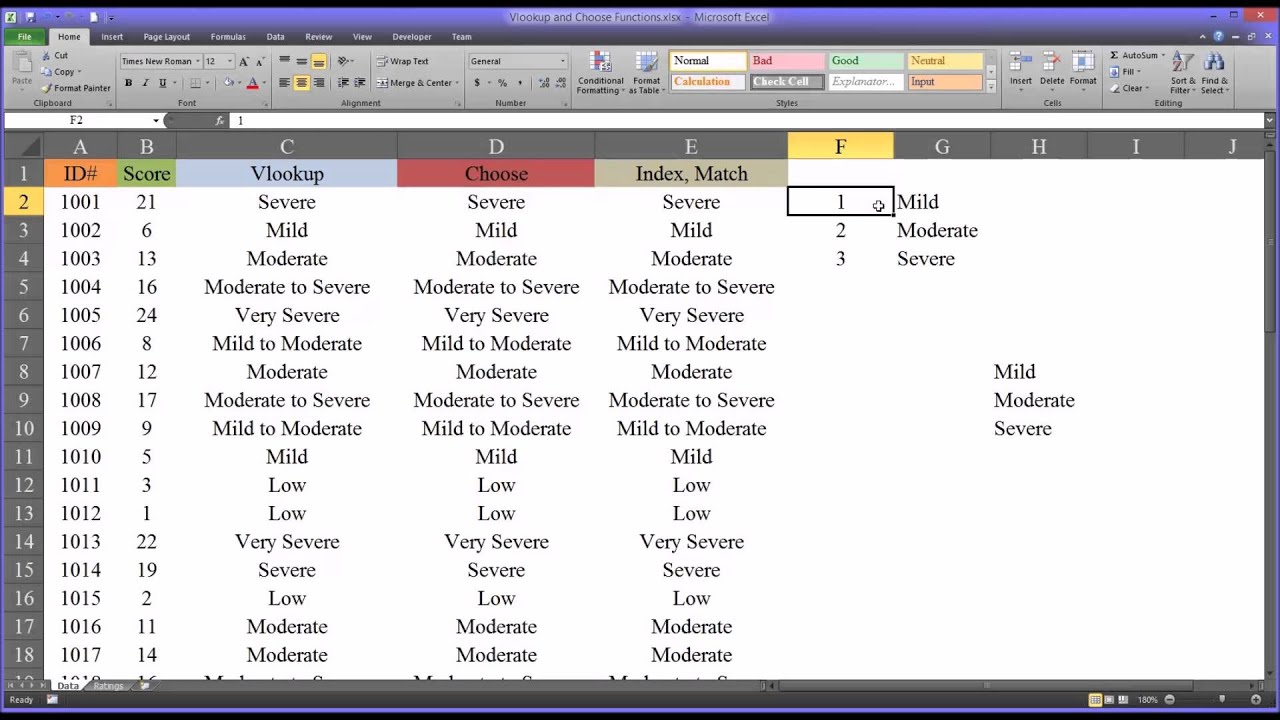 ▶
Vlookup and Choose Functions in ExcelDr. Todd Grande · Apr 10, 2015
 ▶
Left, Right, Len, Mid, Find, and Search Functions in ExcelDr. Todd Grande · Apr 7, 2015
 ▶
Substitute, Replace, and Find Functions in ExcelDr. Todd Grande · Apr 6, 2015
 ▶
Creating a Timestamp in ExcelDr. Todd Grande · Mar 31, 2015
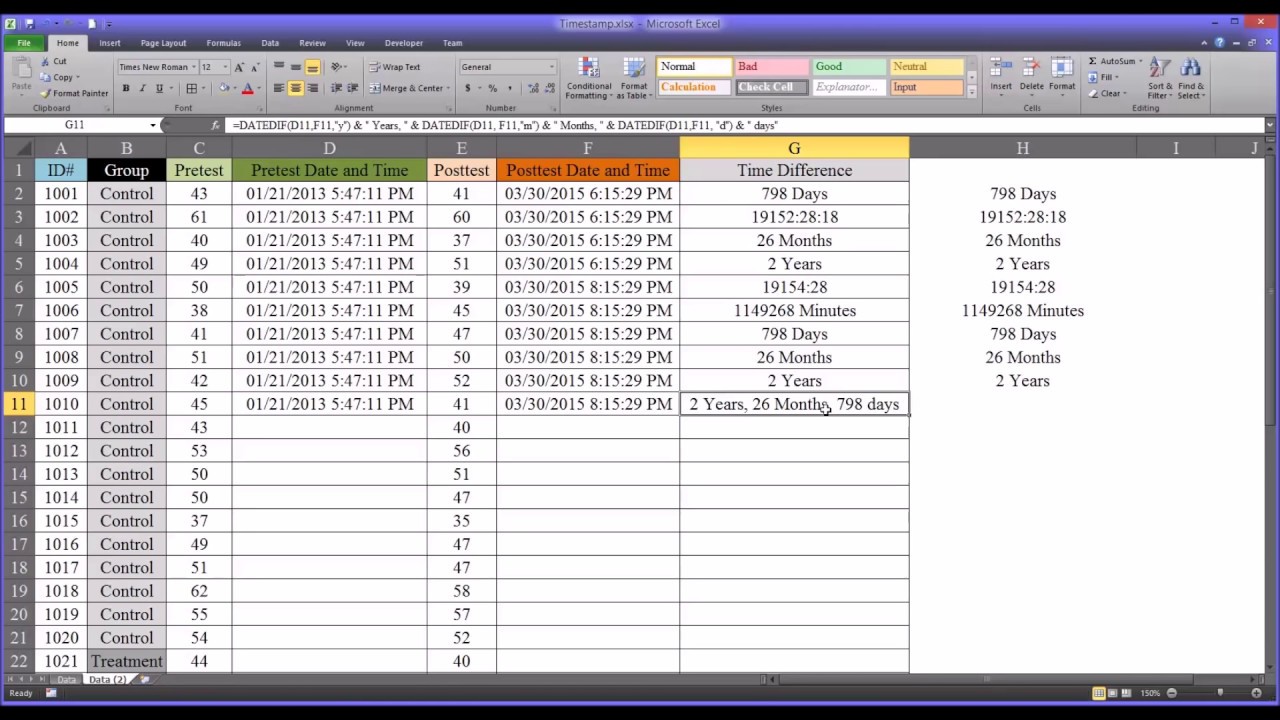 ▶
Calculating Date and Time Differences in ExcelDr. Todd Grande · Mar 31, 2015
 ▶
Transposing Arrays in ExcelDr. Todd Grande · Mar 29, 2015
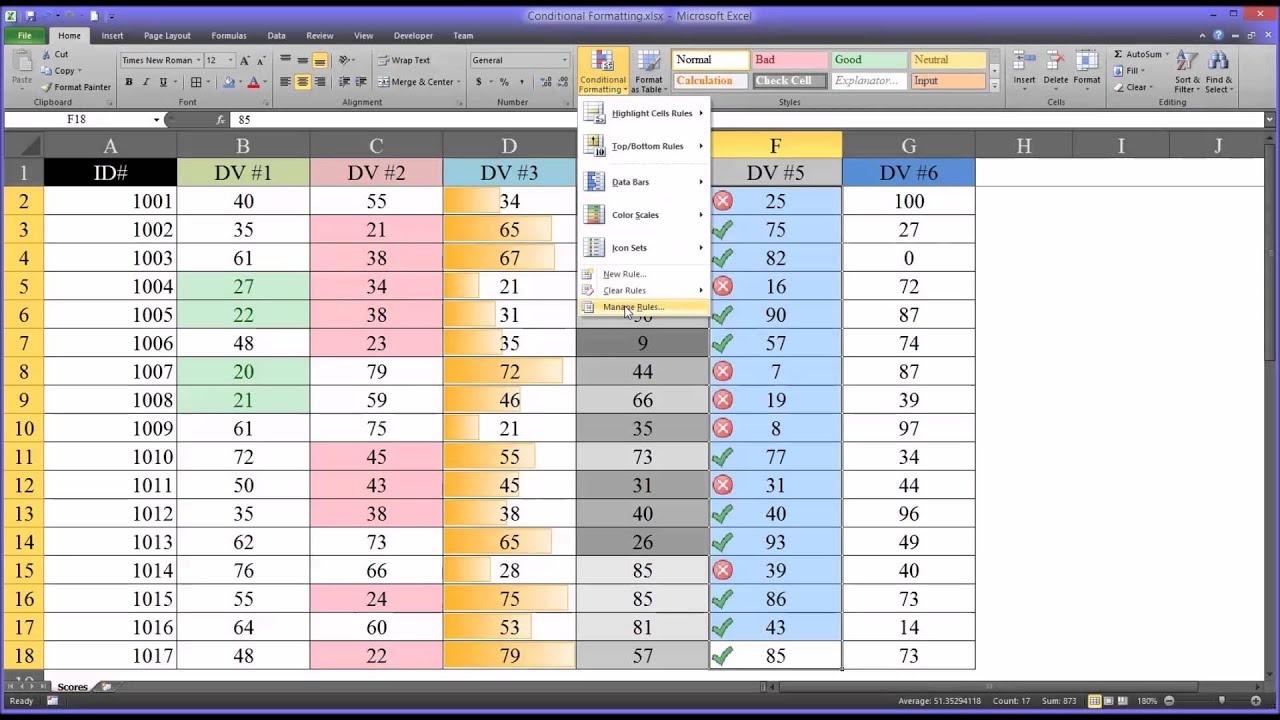 ▶
Conditional Formatting in ExcelDr. Todd Grande · Mar 17, 2015
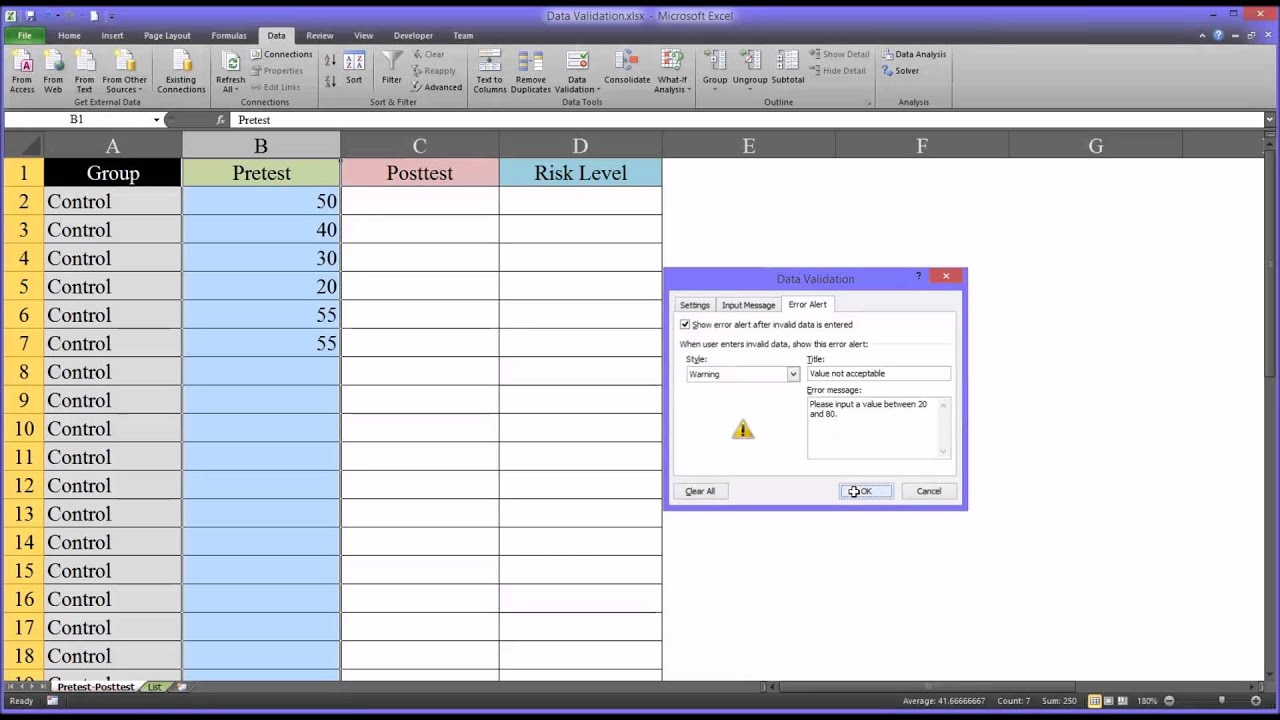 ▶
Data Validation in ExcelDr. Todd Grande · Mar 15, 2015
 ▶
Substituting Values in Excel using the Index and Match FunctionsDr. Todd Grande · Mar 12, 2015
 ▶
Combining First and Last Names in ExcelDr. Todd Grande · Mar 6, 2015
 ▶
Separating First and Last Names in ExcelDr. Todd Grande · Mar 6, 2015